
Six quick steps to purchase a course, get a trading account with cashback, and start learning — all without leaving the Monaxa portal.

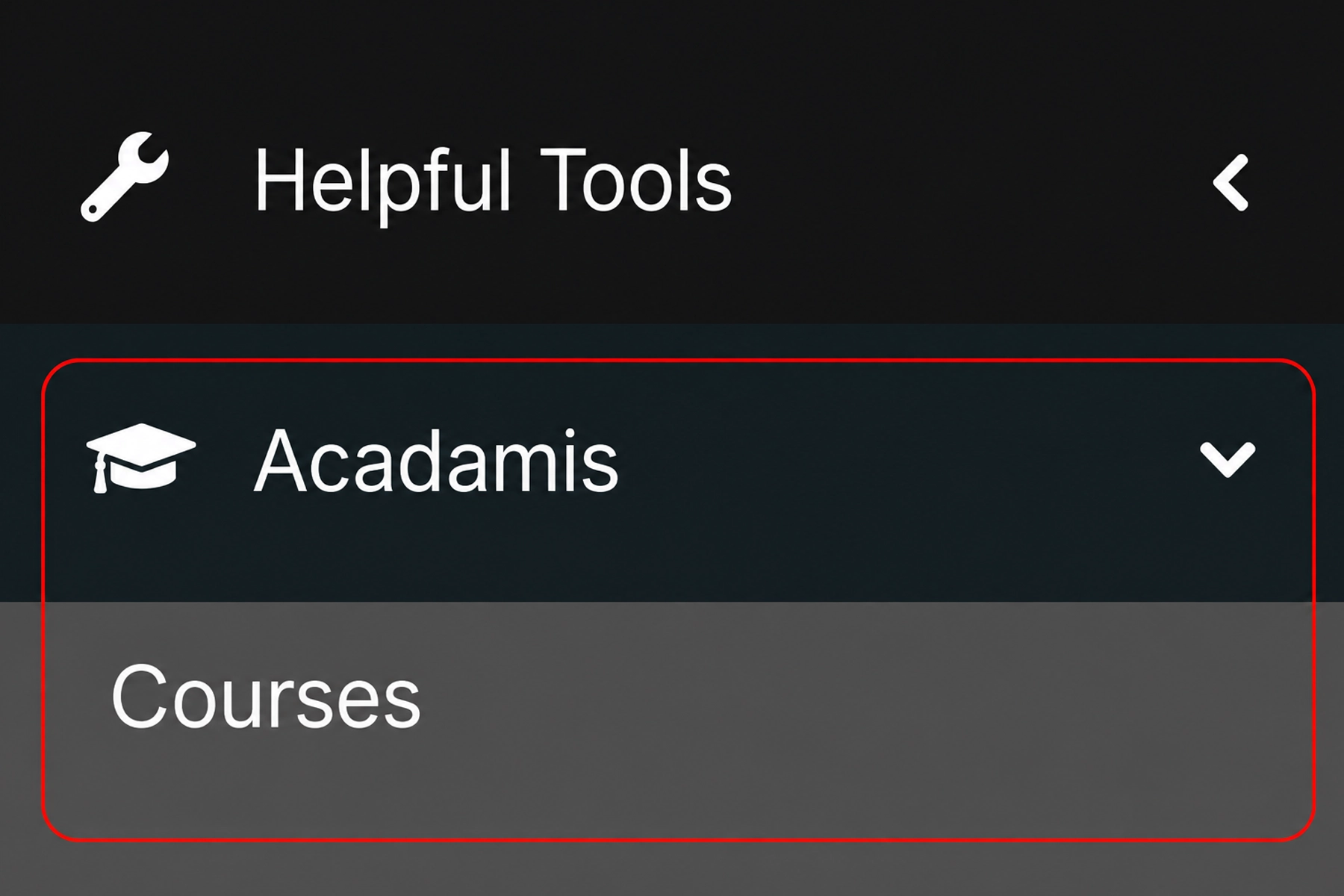
Available courses can be found by clicking the Acadamis Courses tab within the client area of Monaxa.
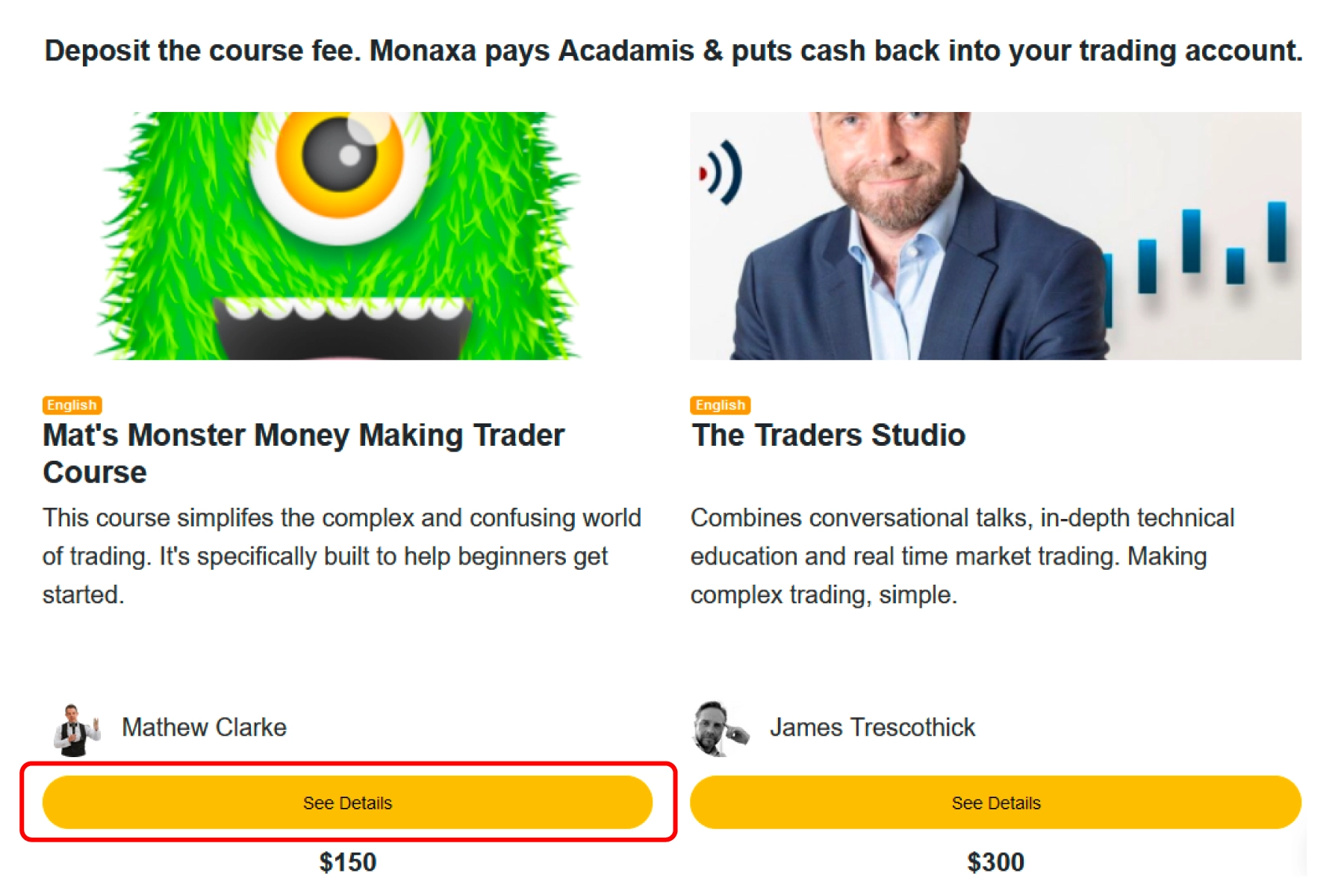
Click the ‘See Details’ button to see the full course description, syllabus, and instructor profile.
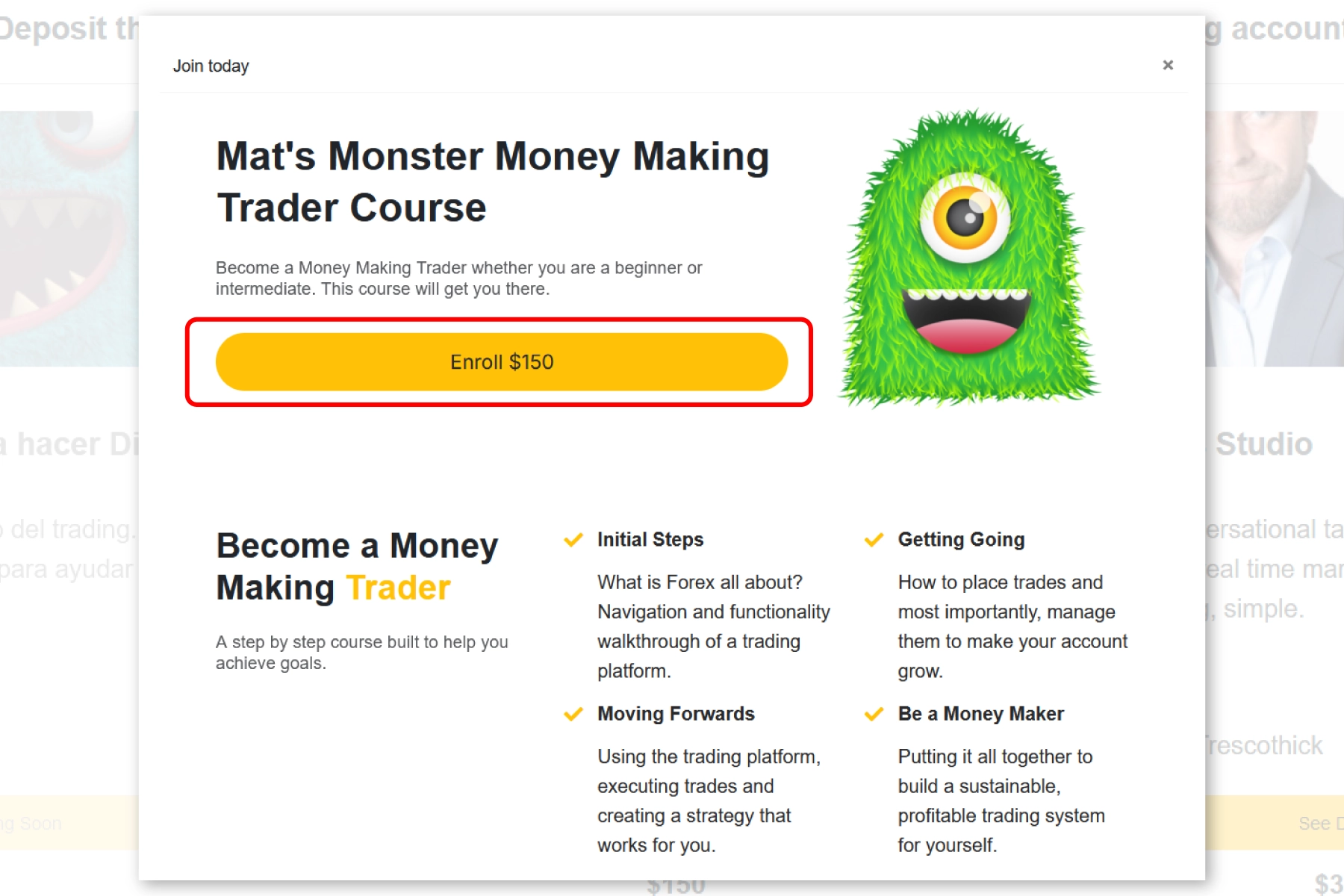
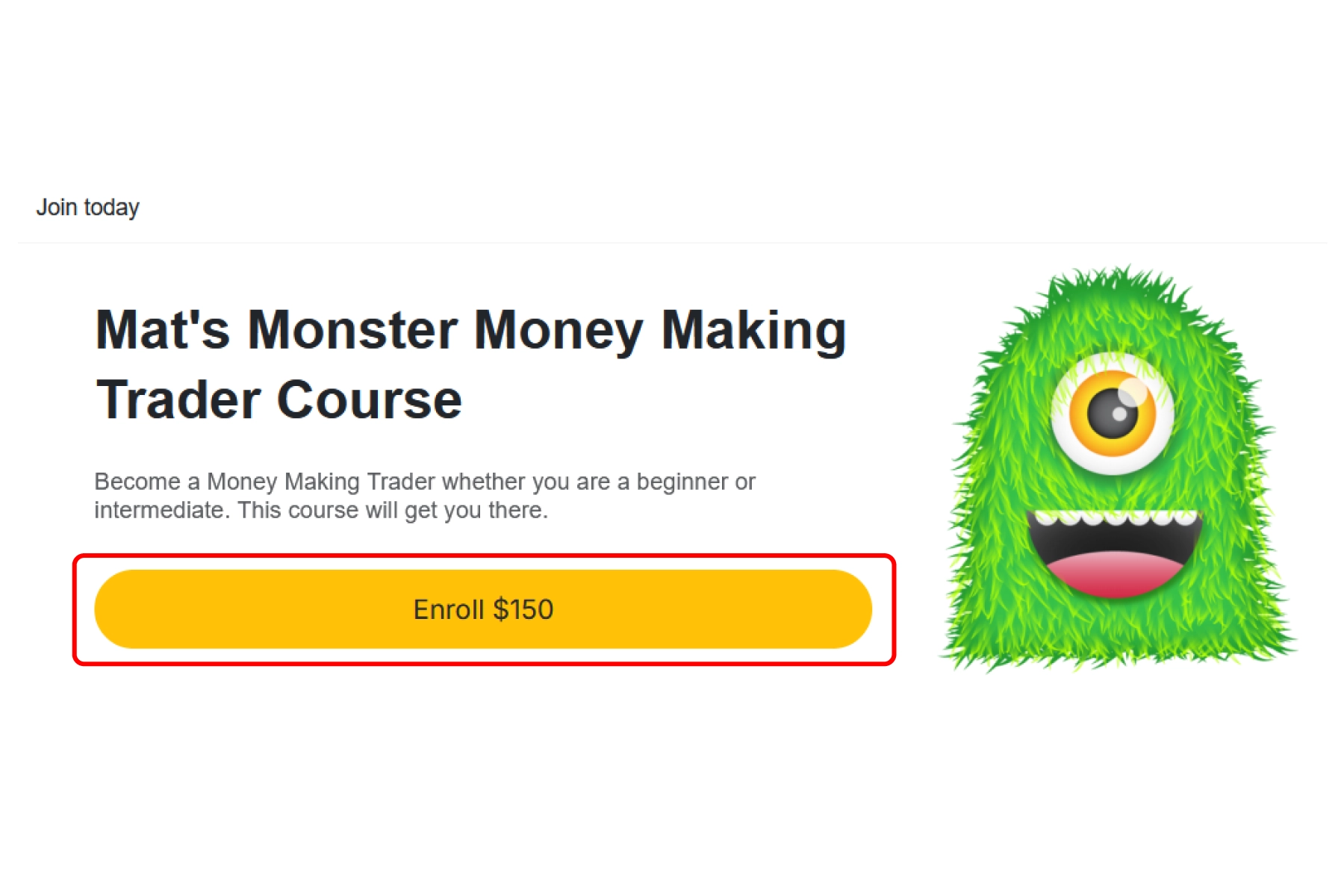
Click the ‘Enroll’ button to begin the payment process.
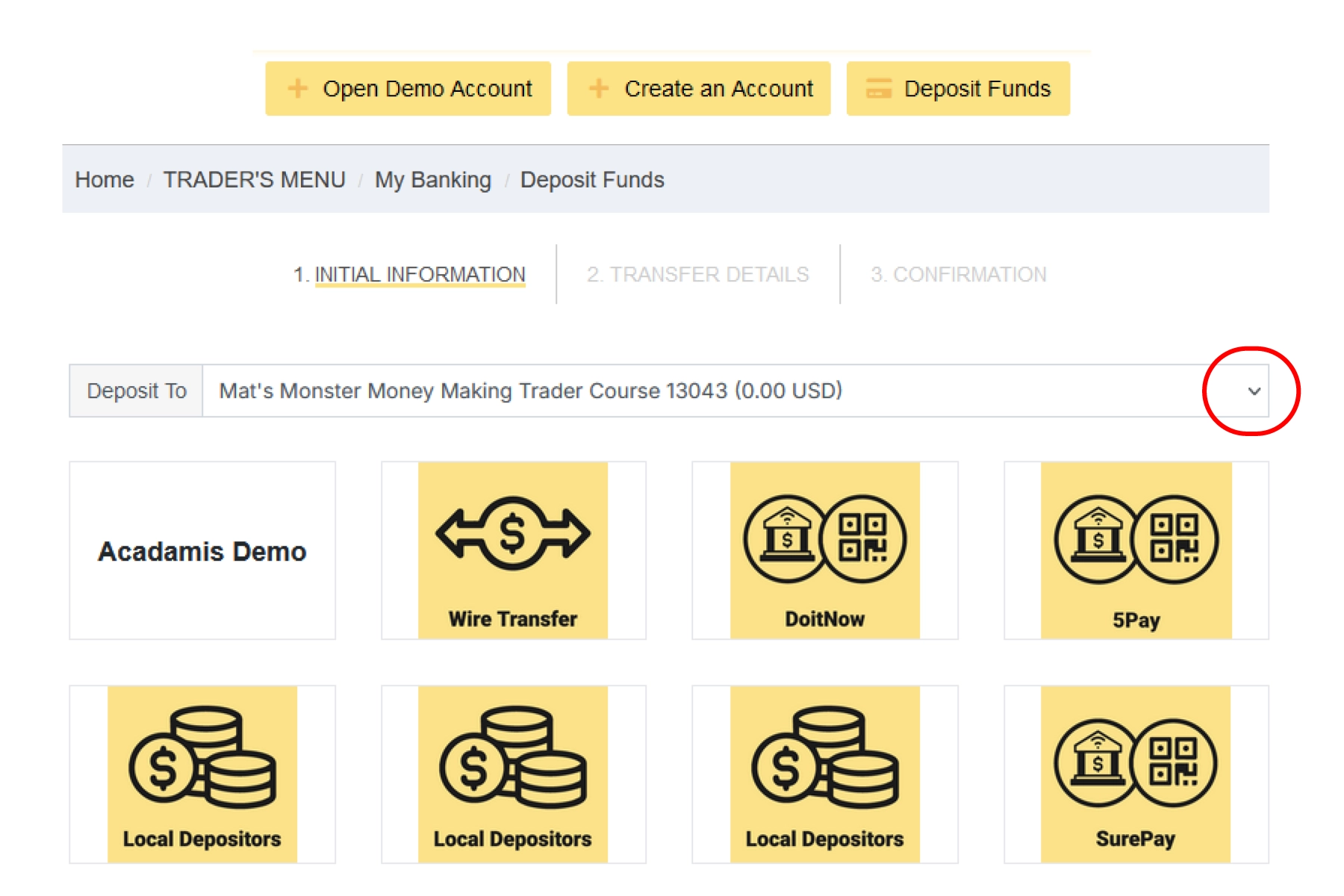
The user is redirected to the Monaxa deposit flow. The deposit option defaults to the preselected course title — select a Monaxa payment solution and complete that flow. The deposit covers the course purchase and opens a new trading account, with a portion of the course fee deposited automatically.
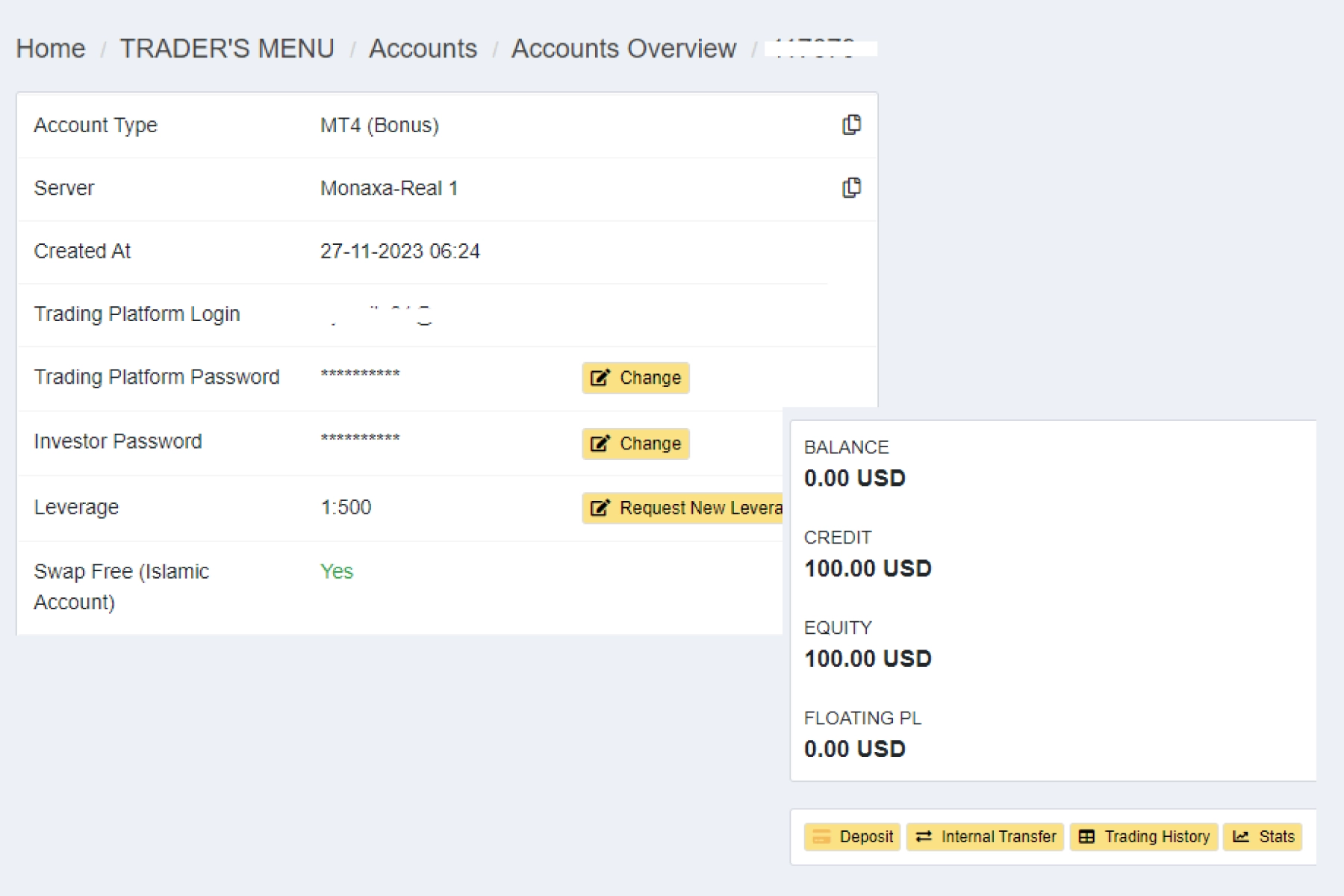
The user receives a new MT4 Standard account with a credit from the course fee within 10 minutes. The account can be found in the user’s account overview.
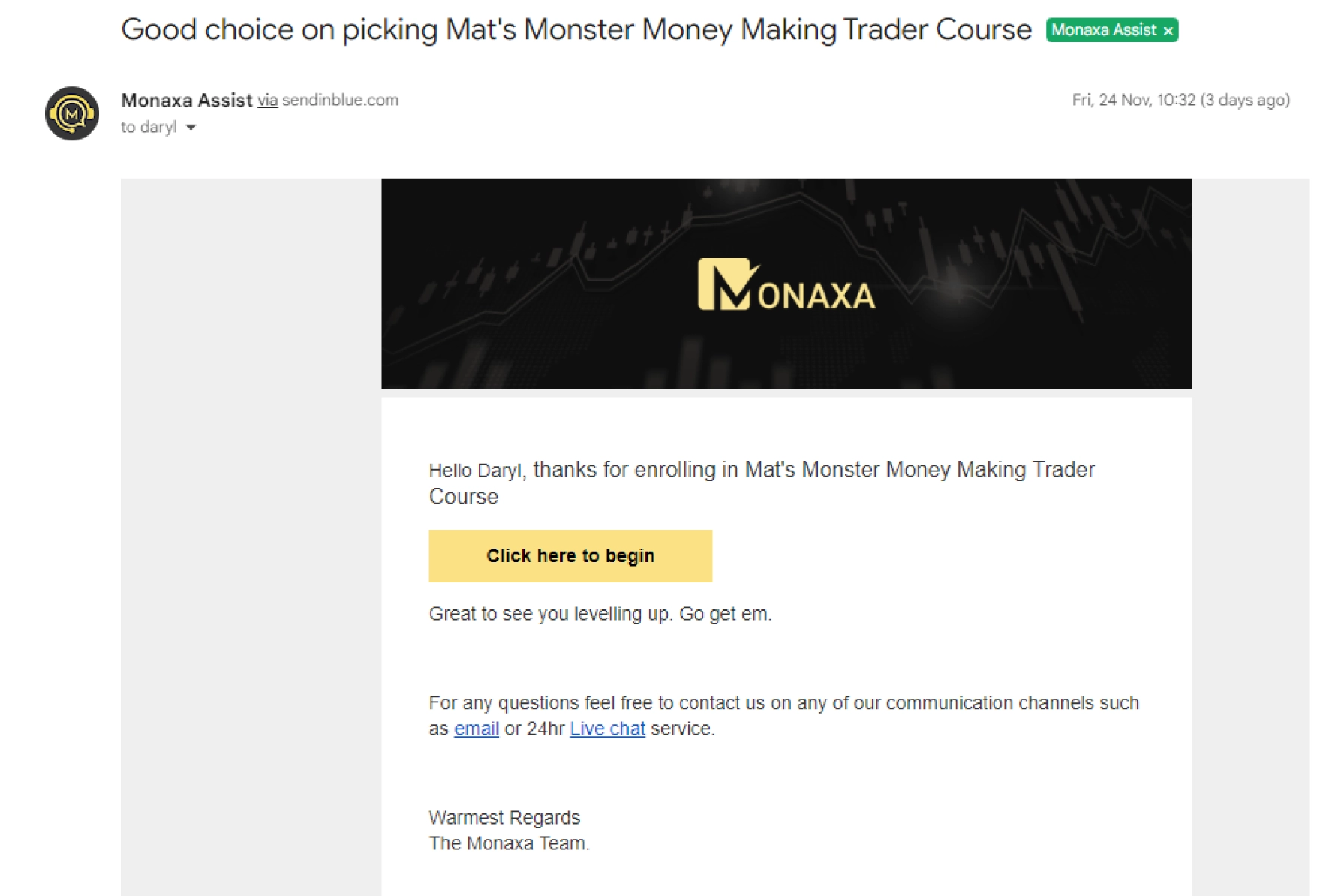
The user receives an email payment confirmation from Monaxa and can access the course by clicking ‘Click Here To Begin’.
By clicking into the Acadamis course page and clicking ‘Start Your Course’. Either option takes the user directly from the Monaxa portal into the course player within Acadamis — no separate Acadamis.com login needed. To access courses directly on Acadamis.com, or any non-Monaxa course, log in using the same email as the Monaxa account.
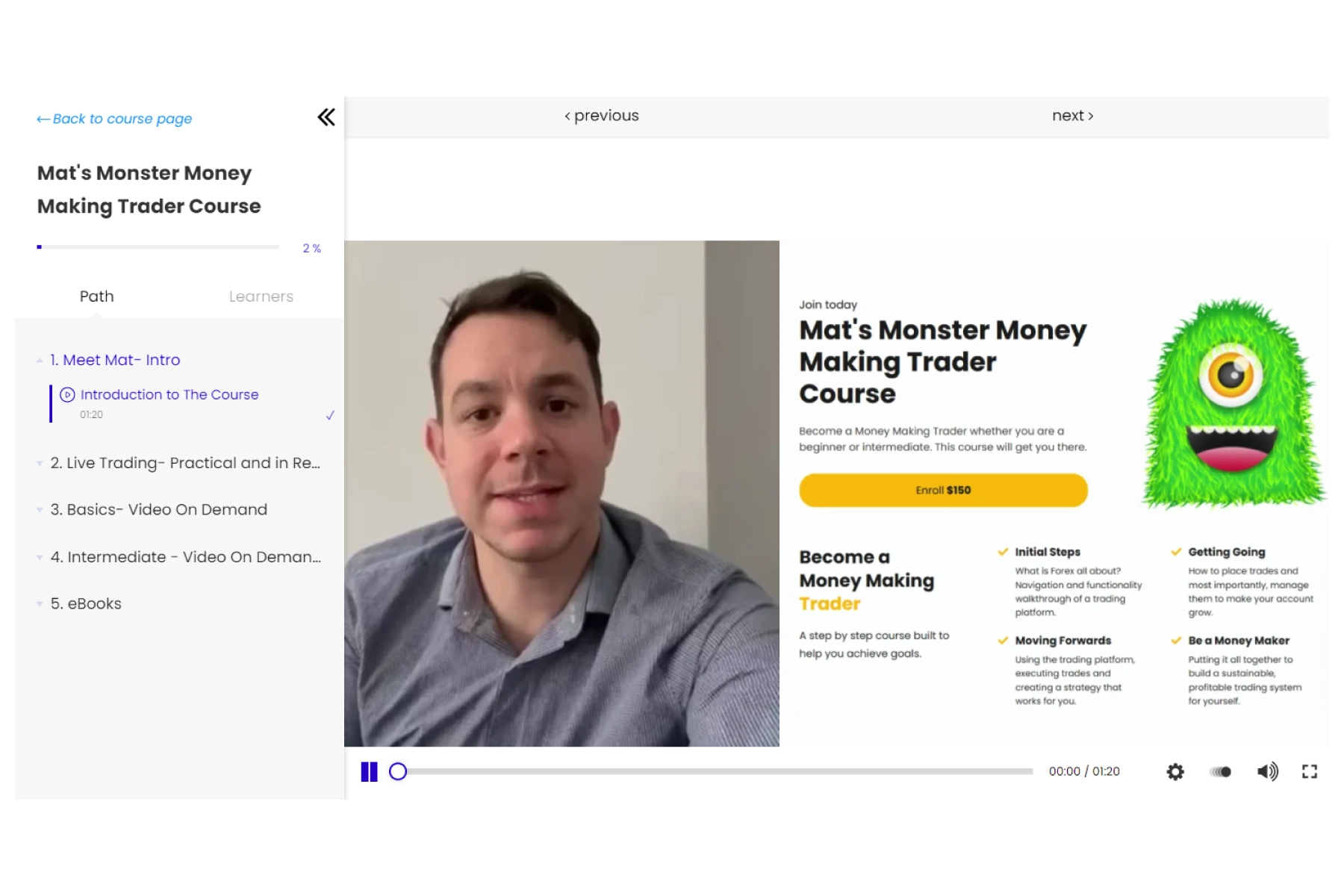
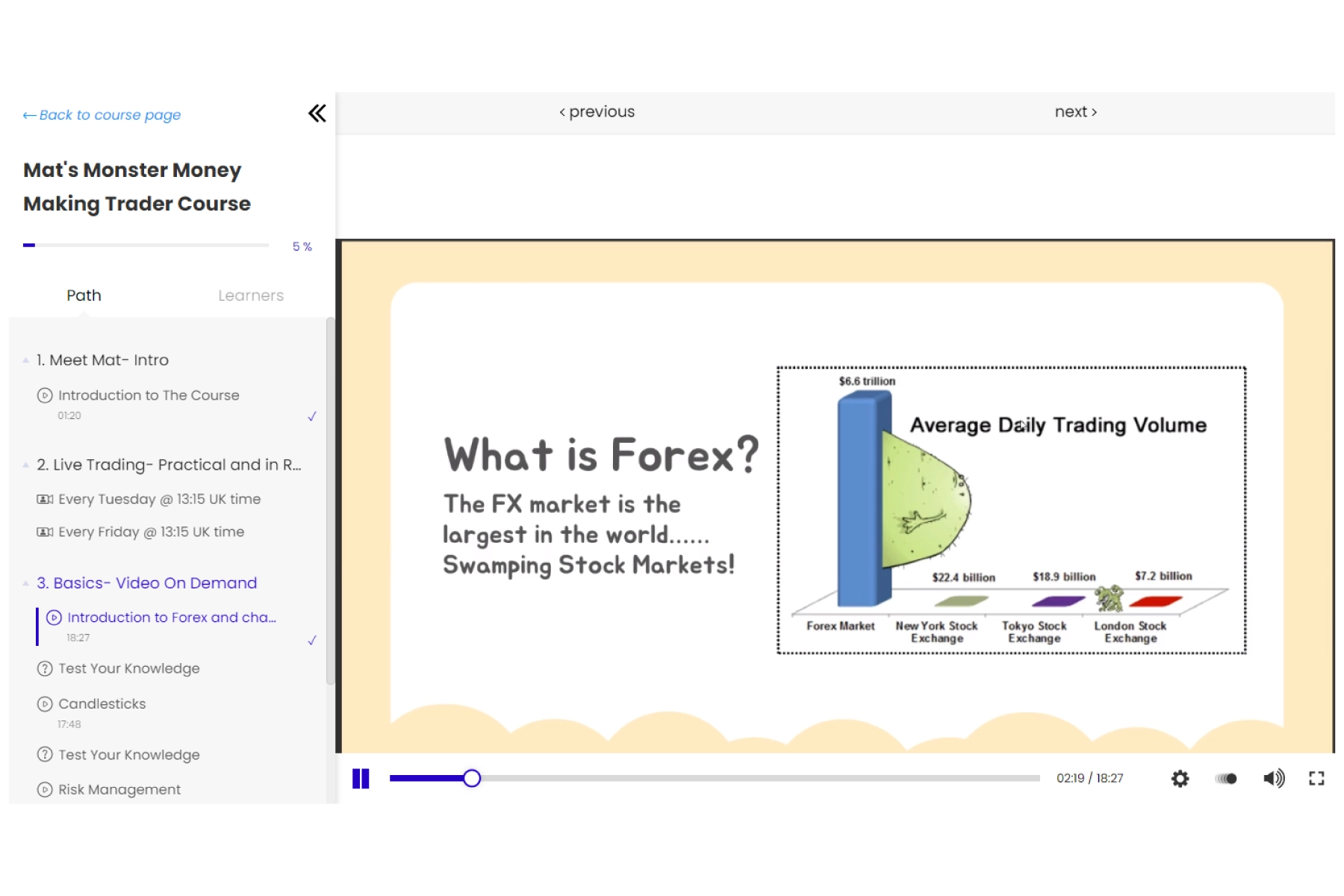
A peek at the Acadamis course page and player once you're in.
Head to the Acadamis Courses tab in your Monaxa client area.
Six quick steps to purchase a course, get a trading account with cashback, and start learning — all without leaving the Monaxa portal.
Available courses can be found by clicking the Acadamis Courses tab within the client area of Monaxa.
Click the ‘See Details’ button to see the full course description, syllabus, and instructor profile.
Click the ‘Enroll’ button to begin the payment process.
The user is redirected to the Monaxa deposit flow. The deposit option defaults to the preselected course title — select a Monaxa payment solution and complete that flow. The deposit covers the course purchase and opens a new trading account, with a portion of the course fee deposited automatically.
The user receives a new MT4 Standard account with a credit from the course fee within 10 minutes. The account can be found in the user’s account overview.
The user receives an email payment confirmation from Monaxa and can access the course by clicking ‘Click Here To Begin’.
By clicking into the Acadamis course page and clicking ‘Start Your Course’. Either option takes the user directly from the Monaxa portal into the course player within Acadamis — no separate Acadamis.com login needed. To access courses directly on Acadamis.com, or any non-Monaxa course, log in using the same email as the Monaxa account.
A peek at the Acadamis course page and player once you're in.
Head to the Acadamis Courses tab in your Monaxa client area.
 English
 Portuguese
 Bahasa
Melayu
Bahasa
Melayu ไทย
ไทย 中文
中文 Tiếng Việt
 Español
 हिन्दी
 日本語
日本語 العربية